SessionDock keeps your creative sessions organized.
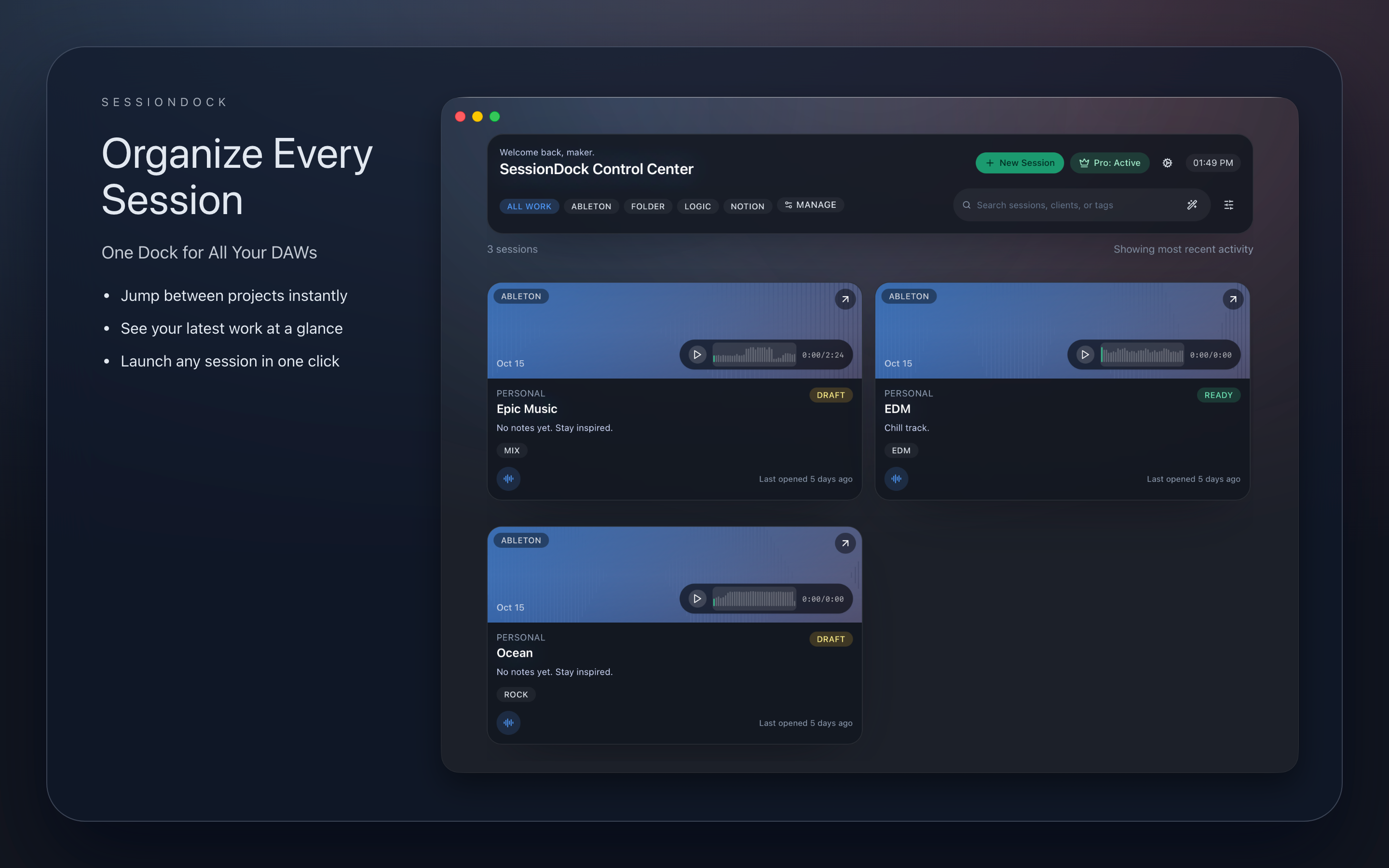
SessionDock keeps your creative sessions organized beautifully. It was built by an indie developer who got tired of juggling Logic, Ableton, and endless project folders. SessionDock gives you one clean hub to browse, preview, and organize your DAW sessions with notes, artwork, and audio previews that just work.
Explore SessionDock across desktop and iOS.
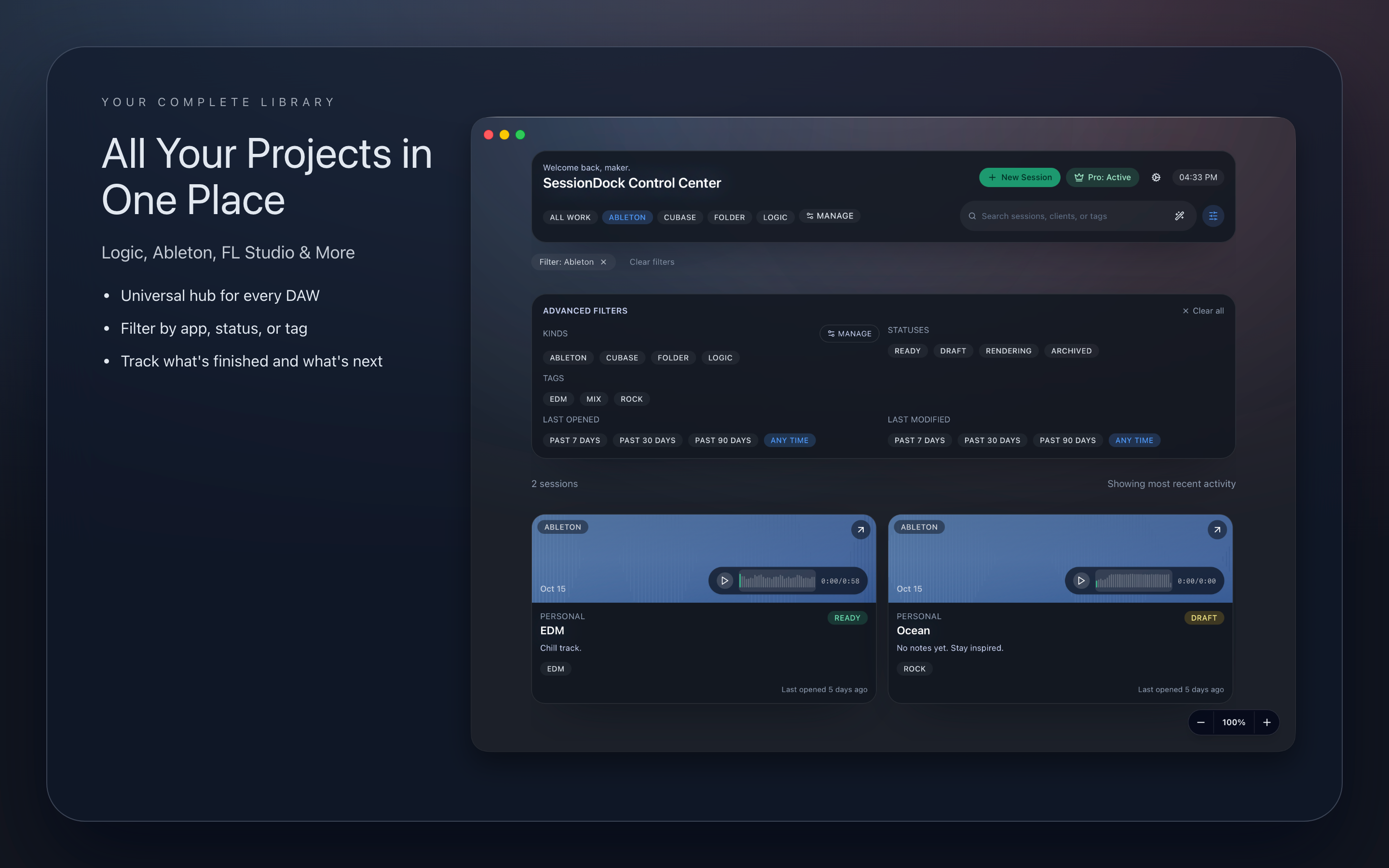
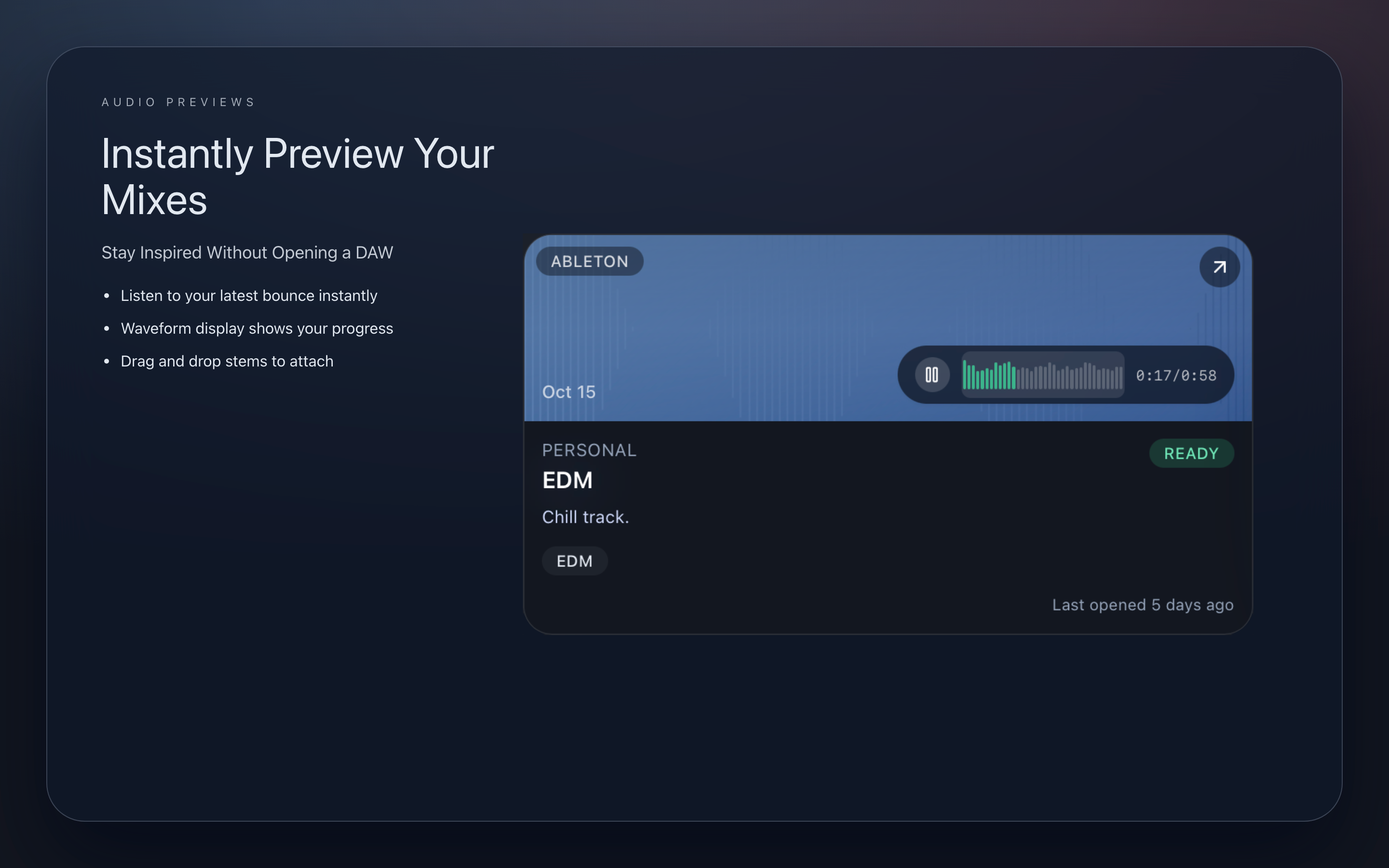
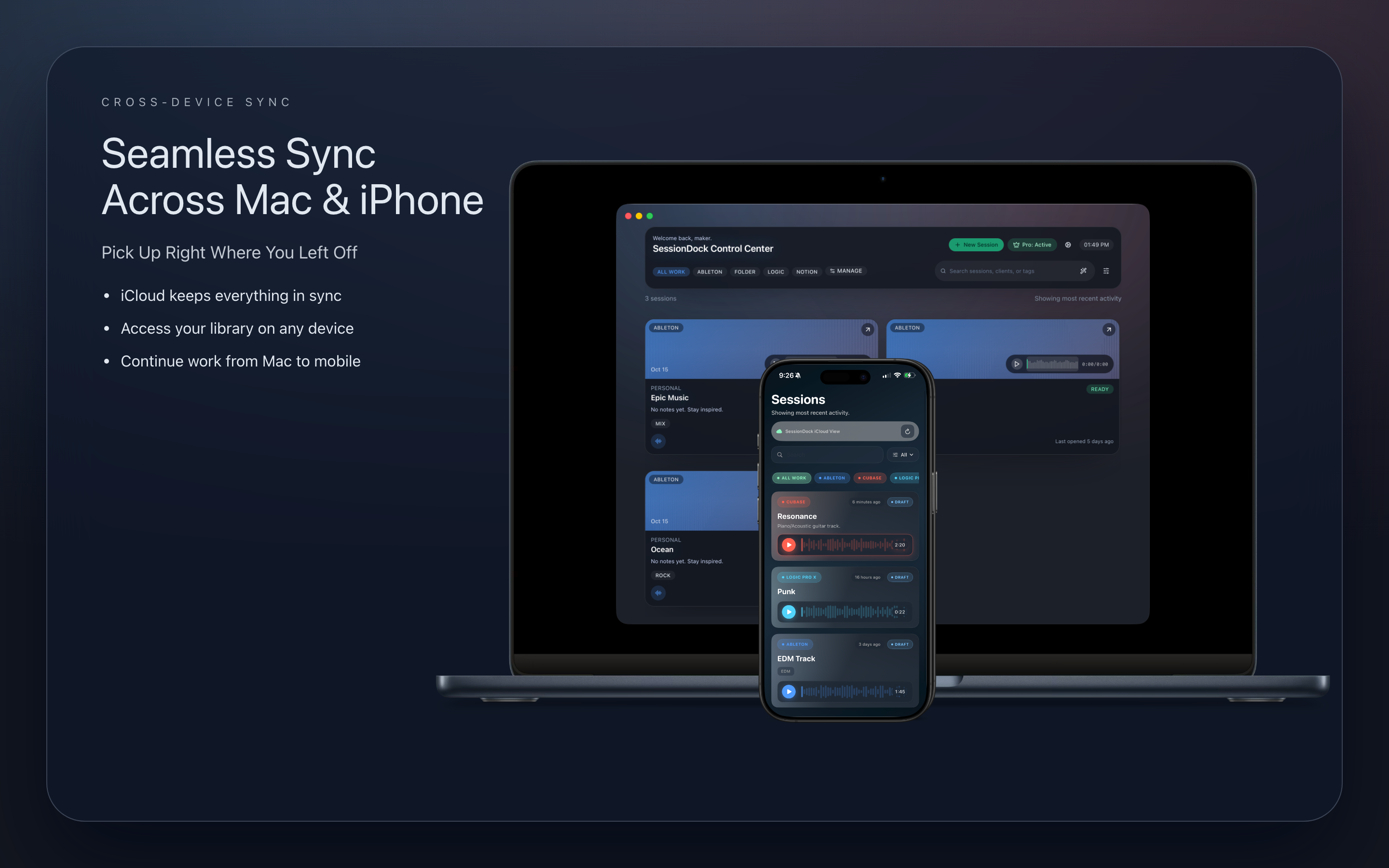
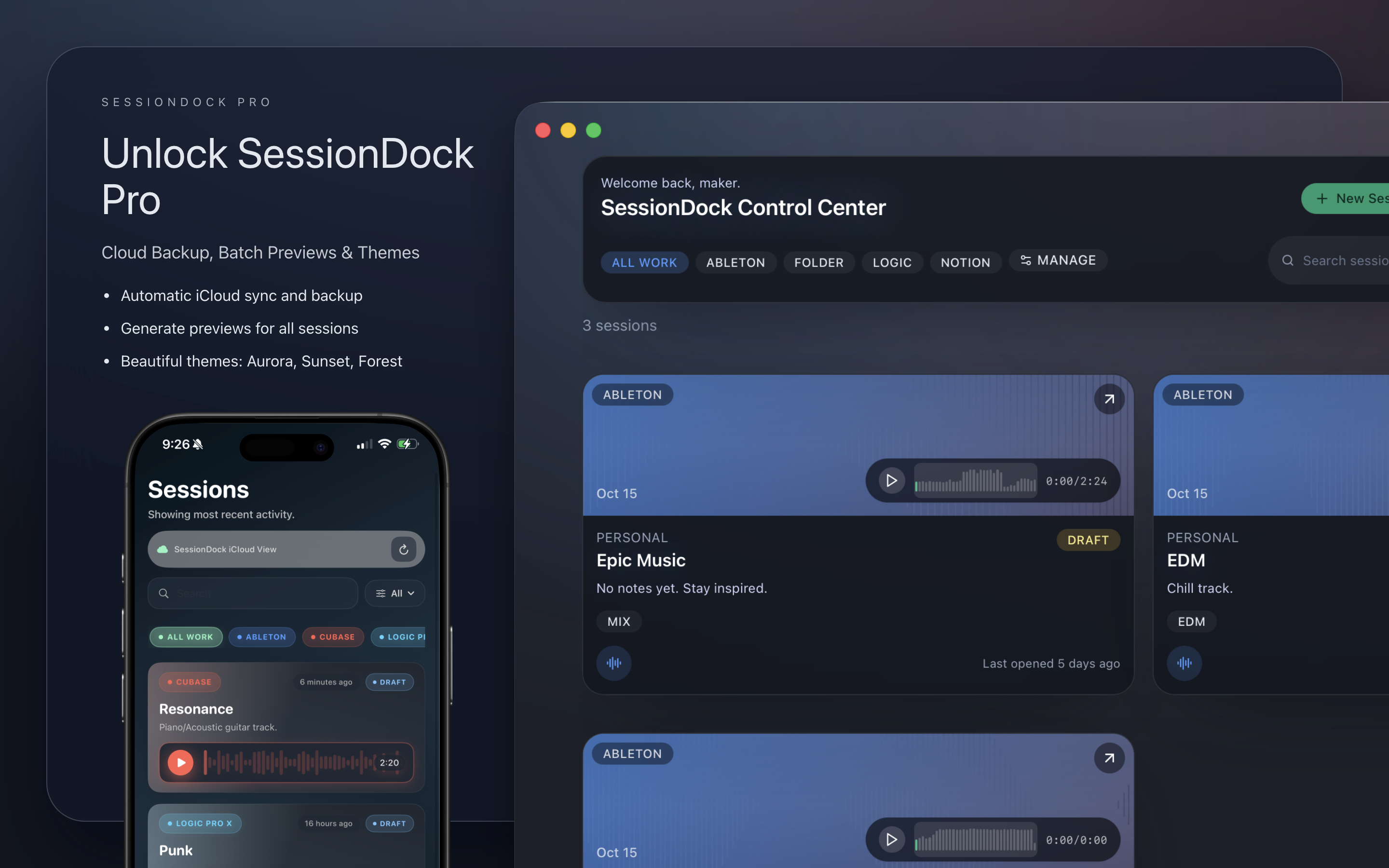
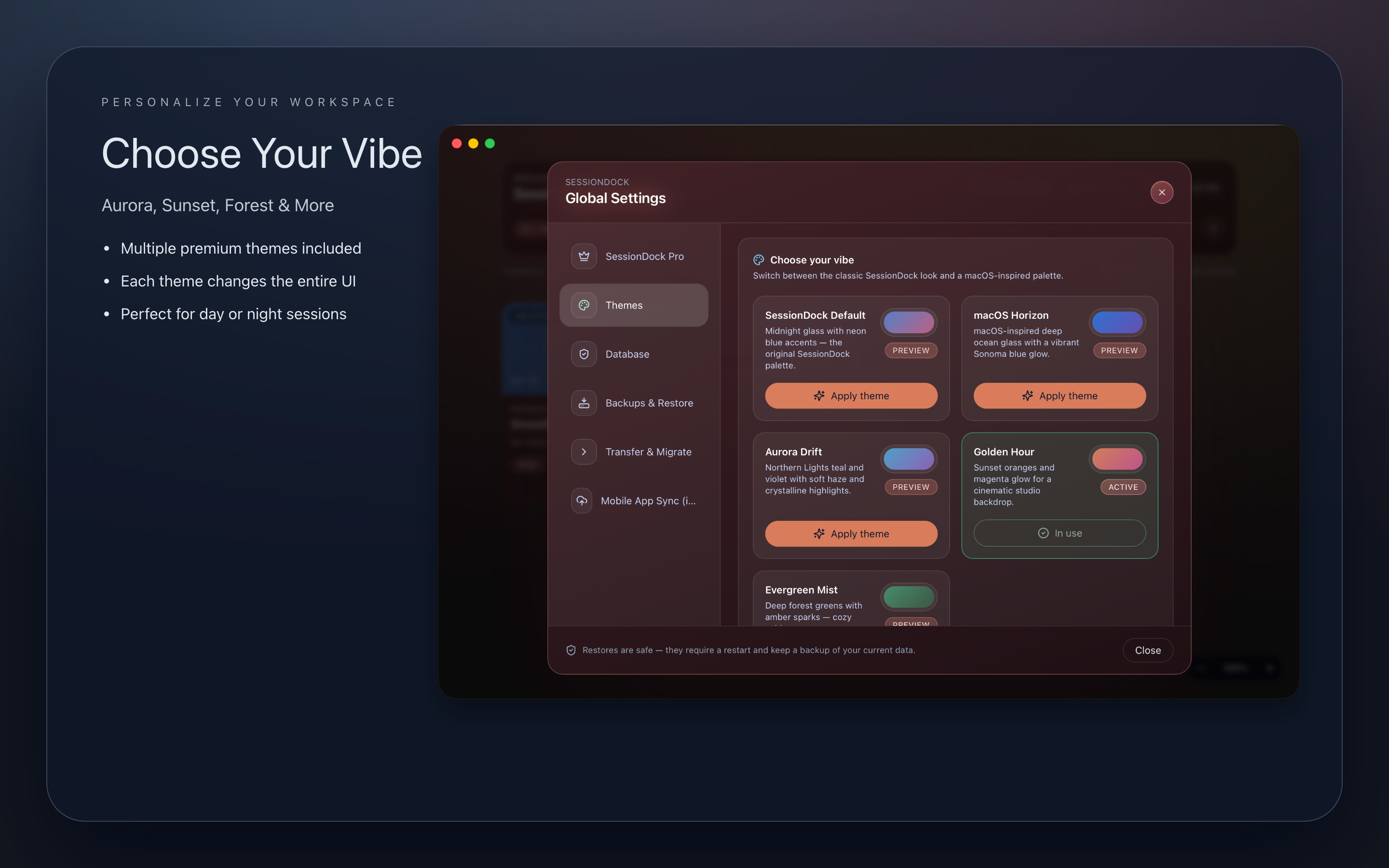
High-resolution product captures that highlight the glassy chassis, live waveform previews, and pro-grade session organization.
macOS dashboard with artwork, quick actions, and backup utilities.
Watch SessionDock in action
Take a quick tour of how SessionDock keeps your projects in sync, previews mixdowns, and organizes your creative catalog.
Features
SessionDock currently includes three core tools:
Note: This app requires SessionDock Pro for macOS to sync and view your sessions.
- Session library
- Catalog every DAW project, mix stem, and cue sheet with custom tags, color labels, and quick notes so collaborators instantly know what’s what.
- Preview monitor
- Set audio previews that sync to the cloud, audition your projects before launching, and open sessions directly in your DAW with one click.
- Backup toolkit
- Capture timestamped safety copies, prep travel-ready transfer packs, and restore a previous snapshot with a single click before a client review.
- Companion iOS app
- Browse your SessionDock catalog on iPhone with fast, read-only access to project notes, artwork, and mixdown previews that stay perfectly in sync with the desktop app.
- CarPlay playback
- Take SessionDock on the road—queue sessions, stream mixdowns, and control playback through CarPlay while the desktop app keeps metadata authoritative.
SessionDock Companion – View Your Sessions Anywhere
SessionDock Companion lets you browse your SessionDock sessions from your Mac, right on your iPhone. Quickly view your projects, notes, and metadata in a clean, read-only interface that keeps the desktop library authoritative.
- View all sessions saved from the desktop app
- Preview session audio and mixdowns
- Read project names, notes, and metadata
- Fast, lightweight, and read-only for data integrity
- Keeps your creative catalog consistent and secure
SessionDock Companion makes it easy to stay connected to your music projects wherever you go.
Ready to try SessionDock?
Download the latest build straight from the Mac App Store and keep your sessions in sync across projects.
Media Kit
Download our complete media kit with logos, screenshots, press materials, and brand assets for SessionDock.
Brand Assets
High-resolution logos, banners, and brand guidelines
- • SessionDock logo (PNG)
- • 1920x1080 banner
- • Brand guidelines
Screenshots
App screenshots for macOS and iOS versions
- • macOS app screenshots
- • iOS companion screenshots
- • Feature highlights
Press Materials
Press releases, descriptions, and founder bio
- • Press release
- • App descriptions
- • Founder biography
- • Contact information
Download Complete Media Kit
Everything you need for press coverage, reviews, and brand materials in one convenient package.
Frequently asked questions
Quick answers about syncing, licensing, and how SessionDock fits into your studio.